Scroll
Everyday Web Small Business Tools

Secure Password Generator

Use our secure password generator to create strong, random passwords in seconds. Generate passwords that are harder to guess, harder to crack, and easy to customize for any site or app.

Secure Password Generator

Instant, free password generation just select your preferred settings, then copy and paste.

Lock down your business logins (the smart way)

Strong passwords are step one unique passwords + a password manager + MFA is what actually reduces risk. If you want real help securing your WordPress, Shopify, email, and admin accounts, our Website Support plans bundle hosting, maintenance, and hands-on support so you’re not stuck troubleshooting access issues when things break.
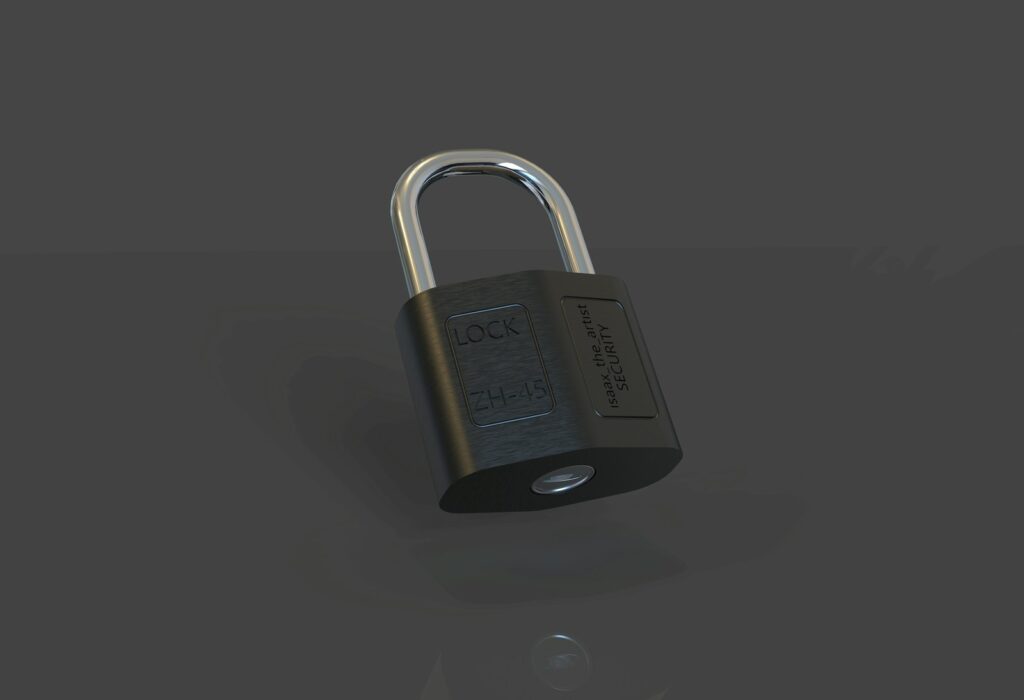
a picture of a lock showcasing a secure password generator

Small Business Tool FAQ

A secure password generator creates randomized passwords using rules like length, symbols, and numbers so your password is much harder to guess or crack than something simple like Helloword123 or your name and/or birthday.
Use 16–20 characters for most accounts. For admin logins, banking, email, POS systems, and anything high-risk, aim for 20–24 characters. It also depends on the software and password requirements.
Yes, if the site allows it. If a site blocks symbols, turn them off and increase length instead. Long + random still beats “clever.”
If you run a business, yes. A password manager prevents password reuse, makes strong passwords practical, and lets teams share access safely without texting passwords around. A password manager is something like Last Pass or 1password.
Small business website designers | Everyday Web
Privacy Overview

This website uses cookies so that we can provide you with the best user experience possible. Cookie information is stored in your browser and performs functions such as recognising you when you return to our website and helping our team to understand which sections of the website you find most interesting and useful.